> For the complete documentation index, see [llms.txt](https://docs.parallels.cn/llms.txt). Markdown versions of documentation pages are available by appending `.md` to page URLs; this page is available as [Markdown](https://docs.parallels.cn/pdfm-26-ug-zh_cn/parallels-desktop-for-mac-26-yong-hu-zhi-nan/parallels-desktop-pian-hao-she-zhi-he-xu-ni-ji-she-zhi/xu-ni-ji-she-zhi/ying-jian-she-zhi/tpm-xin-pian.md).
# TPM 芯片
借助添加到虚拟机配置中的可信平台模块 (TPM),您可以保护数据免受未经授权的访问,并使用 [BitLocker](https://docs.microsoft.com/en-us/windows/security/information-protection/bitlocker/bitlocker-basic-deployment) 和 Windows Hello 等其他 Windows 安全功能。
将 TPM 添加到虚拟机时,默认情况下它会启用。
{% hint style="info" %}
**注意**:所有 Windows 11 虚拟机在创建时都会默认启用 TPM,无法在不带有 TPM 的情况下启动。
{% endhint %}
如果不打算使用 [BitLocker](https://docs.microsoft.com/en-us/windows/security/information-protection/bitlocker/bitlocker-basic-deployment),不建议添加 TPM。如果您错误地添加了 TPM,并且没有在 Windows 中设置 BitLocker,那么可以删除 TPM 而不会产生严重后果。但是,如果您在设置完 BitLocker 后删除了 TPM,可能会遇到启动和登录问题 - Windows 会在启动时要求您输入恢复密钥。要了解在这种情况下应该怎么做,请参阅[这篇知识库文章](https://kb.parallels.cn/122702)。
{% hint style="warning" %}
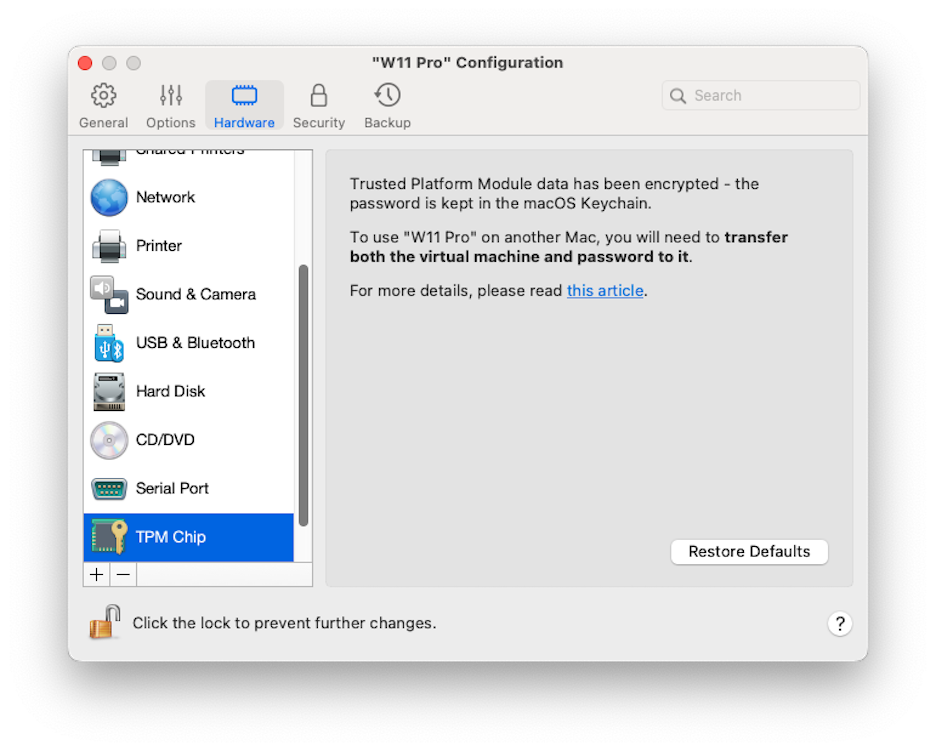
**注意**:与 TPM 相关的信息存储在 Mac 钥匙串中。如果没有此信息,您将无法在另一台 Mac 上启动虚拟机,除非另一台 Mac 登录到了相同的 Apple 帐户且启用了钥匙串同步选项。要手动传输与 TPM 相关的信息,请参阅上文提到的知识库文章。
{% endhint %}
---
# Agent Instructions
This documentation is published with GitBook. GitBook is the documentation platform designed so that both humans and AI agents can read, navigate, and reason over technical content effectively. Learn more at gitbook.com.
## Querying This Documentation
If you need additional information that is not directly available in this page, you can query the documentation dynamically by asking a question.
Perform an HTTP GET request on the current page URL with the `ask` query parameter, and the optional `goal` query parameter:
```
GET https://docs.parallels.cn/pdfm-26-ug-zh_cn/parallels-desktop-for-mac-26-yong-hu-zhi-nan/parallels-desktop-pian-hao-she-zhi-he-xu-ni-ji-she-zhi/xu-ni-ji-she-zhi/ying-jian-she-zhi/tpm-xin-pian.md?ask=&goal=
```
`ask` is the immediate question: it should be specific, self-contained, and written in natural language.
`goal` is optional and describes the broader end goal you are ultimately trying to accomplish on behalf of the user. GitBook uses it to tailor the answer towards what is most useful for that goal.
The response will contain a direct answer to the question and relevant excerpts and sources from the documentation.
Use this mechanism when the answer is not explicitly present in the current page, you need clarification or additional context, or you want to retrieve related documentation sections.